Stepping into the System
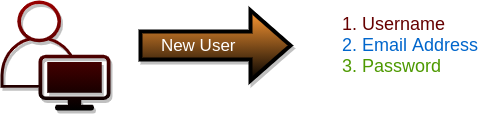
The very first step to access the property management system is registration. As a new user, you must complete the registration process by providing the following mandatory information: [list the required information]. This will create your unique account, enabling you to make the most of the system’s features and services.
Username
Valid Email Address
Password
Confirm Password (Matching the same as entered above)
Registered User
Once you have successfully registered, you can access the system as a registered user. Upon logging in, you will receive an initial activation email containing a link to activate your account. Once you click on the activation link, your account will be activated, and you will be redirected to your personalized dashboard. From there, you can start exploring and utilizing the system’s various features and functionalities tailored to your needs.
